
Corma changelog
Custom Agents, Workflow Triggers & Actions, Tomorro Integration
Custom Agents
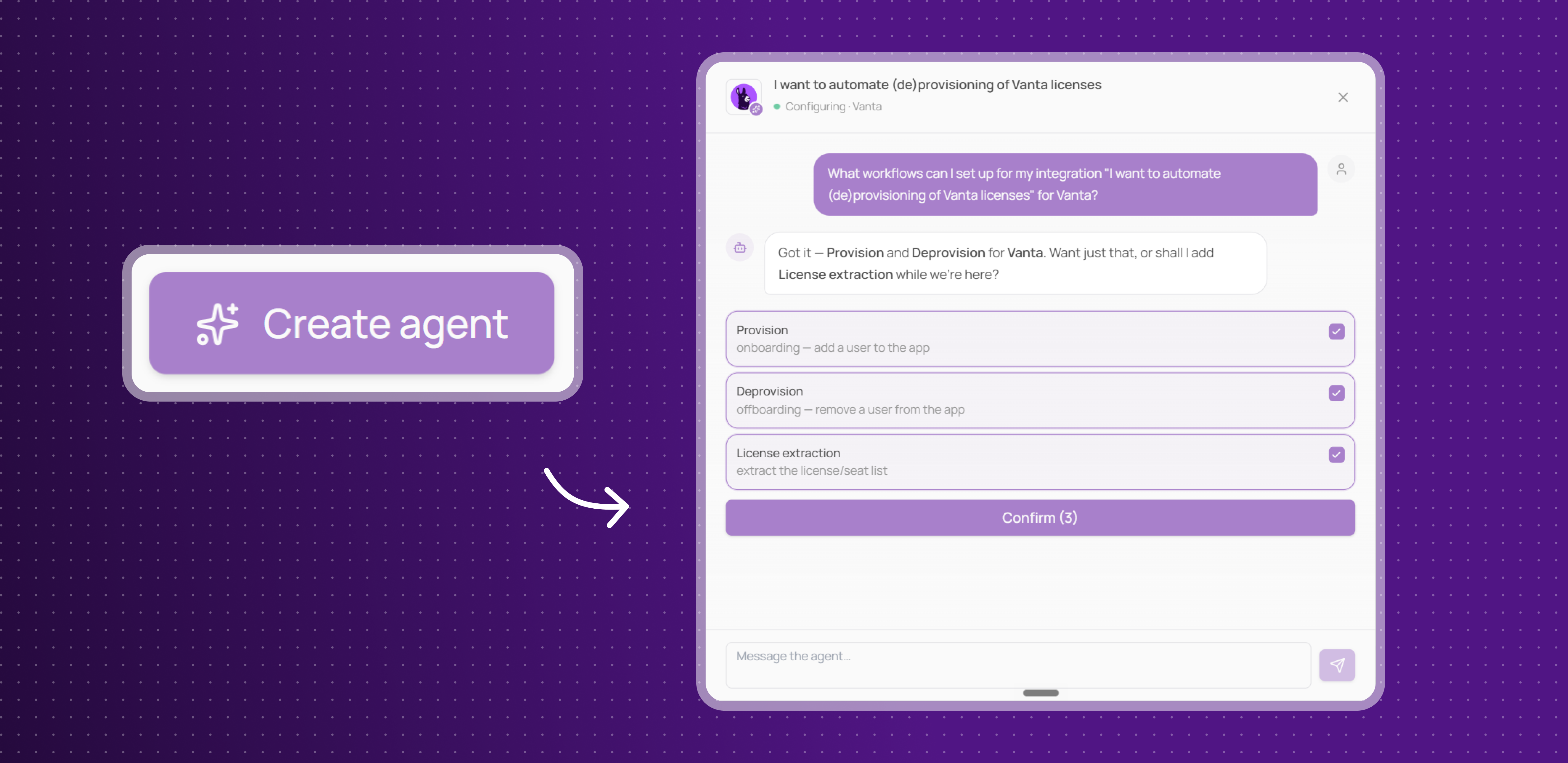
Corma can now build a custom integration for apps that don't have a native connector, just by watching you use them.
Train by demonstration: record yourself performing a task once (like onboarding a user), and Corma's agent turns it into a reusable automation
Chat to refine it: review, ask questions, and adjust the automation directly in a chat interface before it goes live
Works like any other integration: once built, the custom agent handles provisioning, deprovisioning, and license syncs for that app just like a native connector
This unlocks automation for the long tail of apps in your stack that would otherwise require manual work.
Workflow Builder: new actions
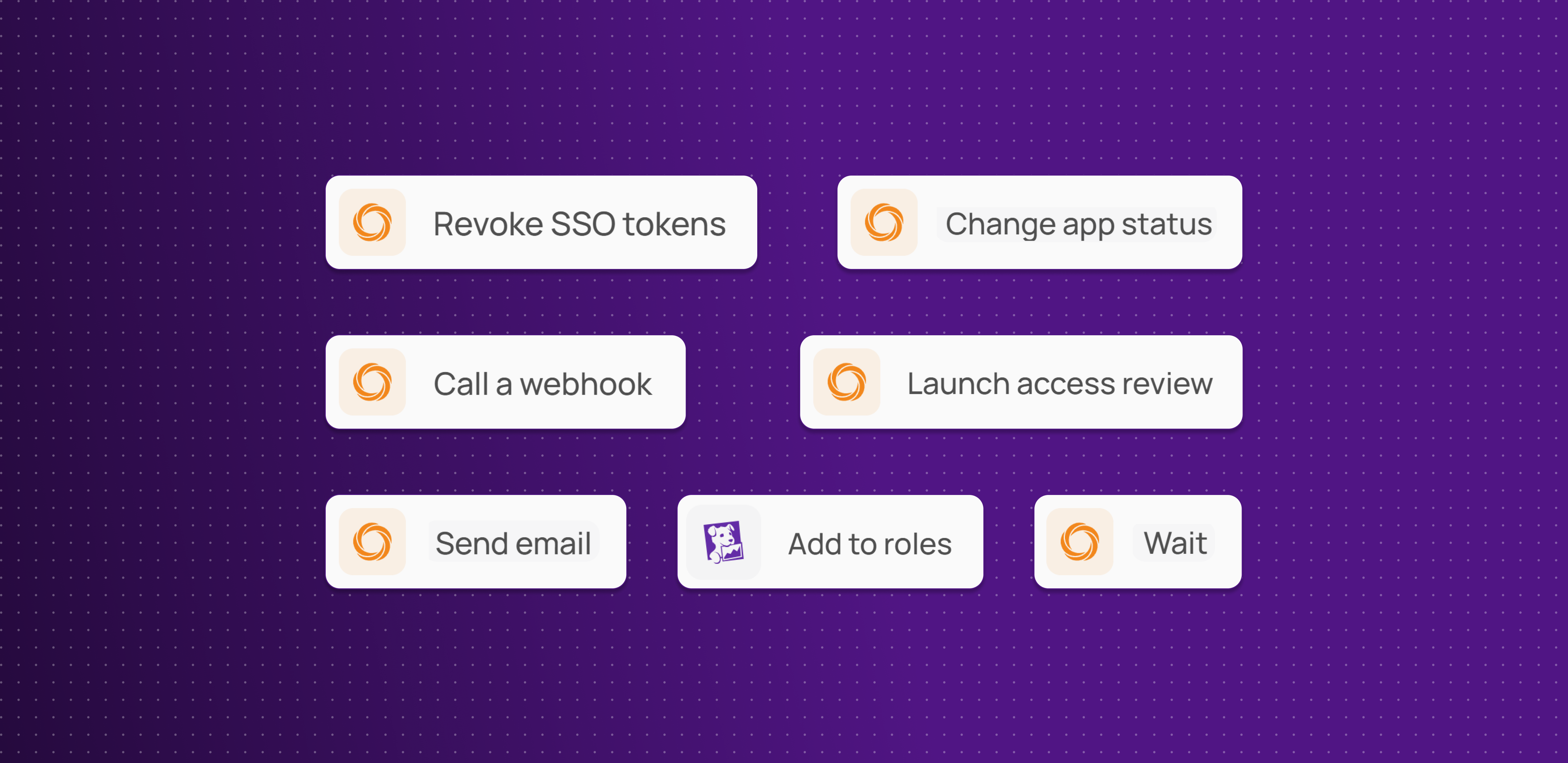
You now have more ways to act across your stack without manual intervention:
Change app status: mark an app as authorized, tolerated, or another status
Revoke all tokens: revoke every access token for a user on an app in one step
Launch access review: trigger a review with defined reviewers, apps and due date
Send email: send a custom email to specified recipients
Wait: pause a workflow for a set duration
Call webhook: send data to and receive responses from any external URL
Add role on Datadog: assign a Datadog role directly from Corma
More actions to automate across your stack, cutting down on manual work and one-off scripts.
Workflow Builder: new triggers
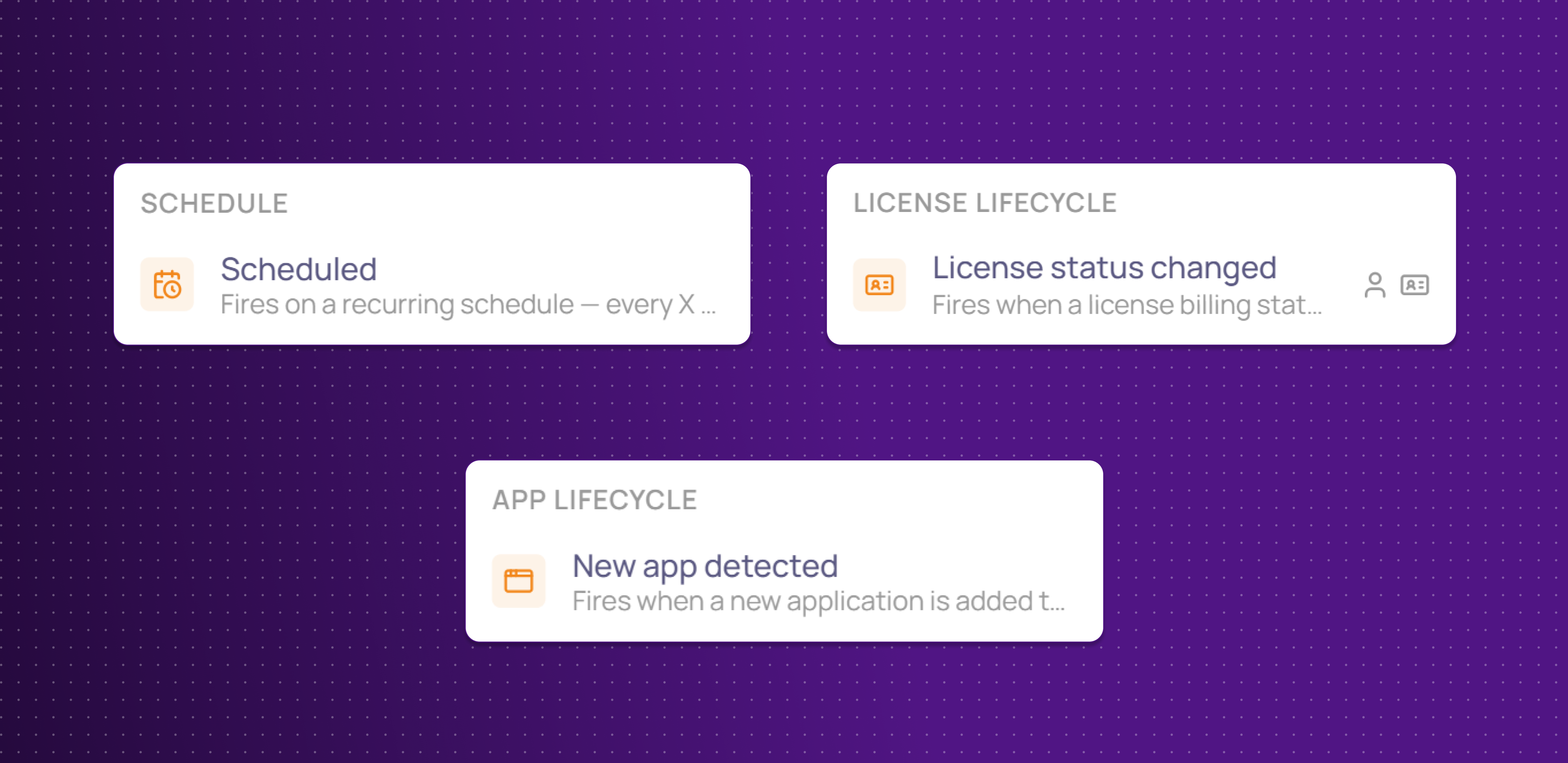
There are now more ways to kick off a workflow automatically:
Scheduled: run a workflow on a recurring schedule (e.g. every X days or months)
License status changed: trigger on billing or activity status changes: renewed, expired, cancelled, activated, deactivated
New app detected : fire a workflow whenever a new app is discovered in your SaaS directory, with the option to filter by app status
More ways to kick off a workflow automatically, so automations react to real events instead of manual runs.
Tomorro Integration
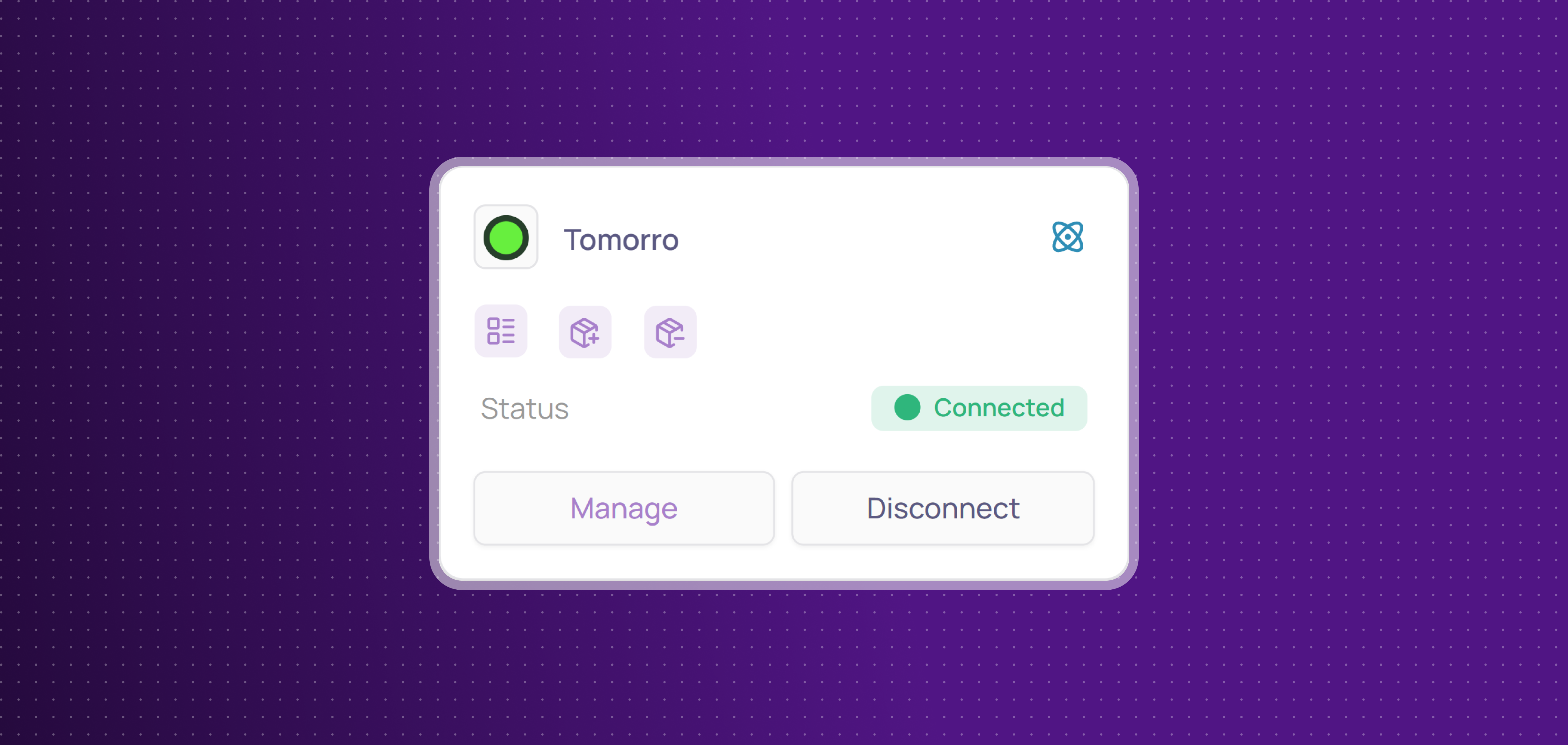
Corma now integrates with Tomorro!
Tomorro is a spend management platform that helps finance teams track expenses, automate approvals, and gain real-time visibility into company spending.
You can now:
Collect licenses: centralize Moss users and licenses in Corma
Get expenses: collect invoices and sync expense data from Moss to centralize your spend tracking and reconciliation directly in Corma
Improvements
URL and login fields are now optional when creating internal applications, and the URL field can be edited after creation.
Notes can now be added directly on a user's profile page, the same way as on an app's page.
Fixes
Onboarding/offboarding page failing to load for a client has been fixed
Claude integration showing as connected after a failed login has been fixed
Automation builder misreading CSV columns and dropping data has been fixed
License-triggered action bugs (missing link, missing log entry) have been fixed
License action bugs (failed triggers, missing option) have been fixed
Multiple workflow bugs (stuck steps, audit logs, display issues) have been fixed
Bulk deletion of 100+ users timing out has been fixed
Unmatched CSV license rows now save as unmatched accounts
"Delete User" crashing has been fixed
HR sync crashing after the first customer has been fixed
Internal app descriptions silently failing to save has been fixed
SSO, MFA, and SAML checkboxes showing wrong state has been fixed
Broken internal API documentation has been repaired
Multiple Workflows bugs (activation, drafts, loaders, config) have been fixed
"Send Slack message" crashing without a user target has been fixed
A dropdown not closing after selection has been fixed
Google Workspace issues now trigger a reconnect alert instead of failing silently
Revoked accounts not being correctly identified has been fixed
Connected integrations disappearing from filters has been fixed
Decimal prices in contract line items not accepting commas/dots has been fixed