
Corma changelog
Google Role Management & new on-the-fly User and Team creation
Google Role Management
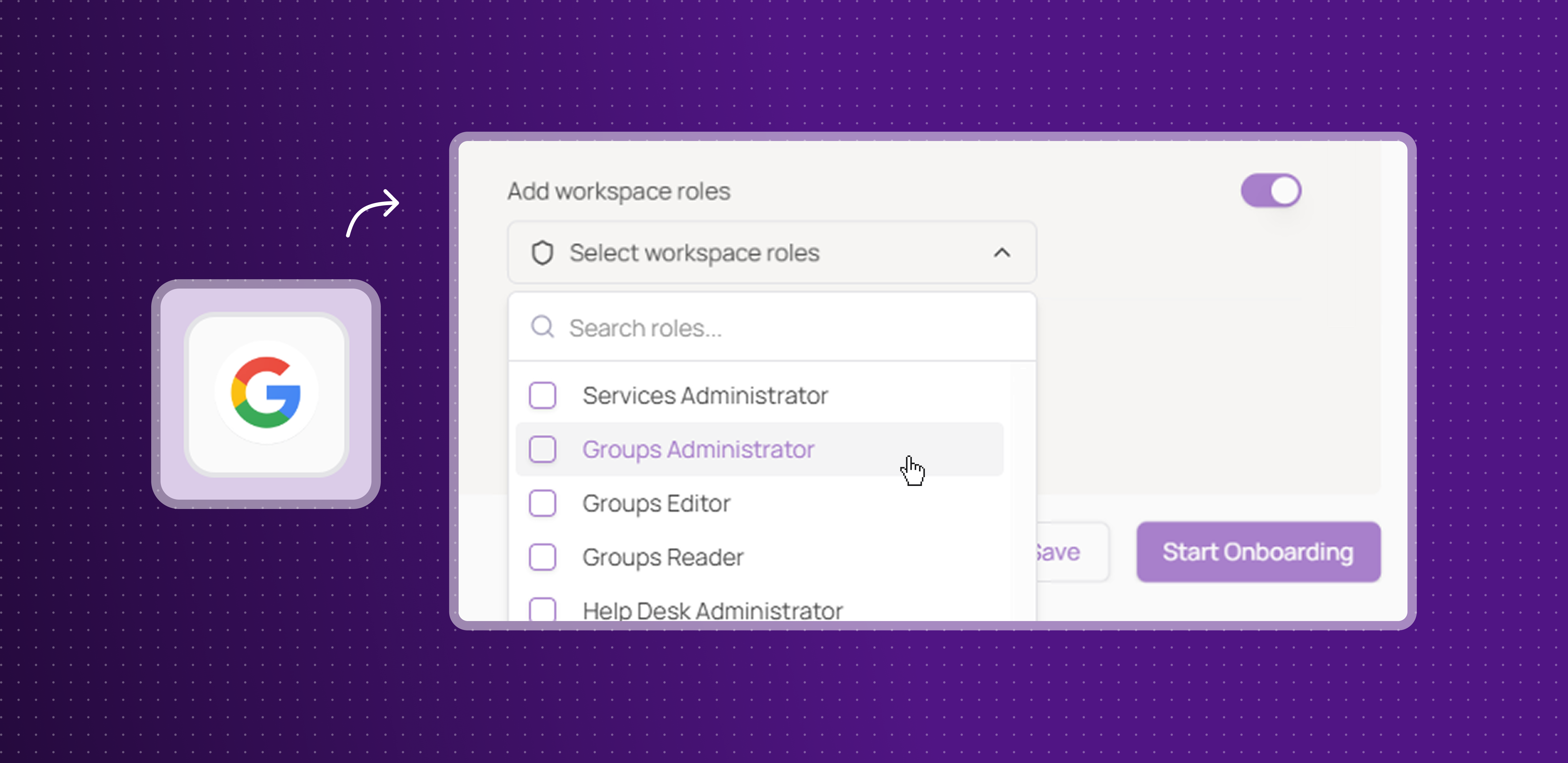
Corma now supports full Google Workspace role management, allowing admins to assign and remove roles directly from Corma during onboarding and offboarding flows.
Accurate role display: roles are now retrieved and displayed with their correct names, giving admins a reliable view of assignments across the organization
Assign roles on onboarding: select and assign Google Workspace roles to a user directly from Corma, no need to switch to the Google admin console
Remove roles on offboarding: remove specific roles from a user selectively or all at once, ensuring access is fully revoked without leaving Corma
Teams managing Google Workspace will save significant time during both onboarding and offboarding, with role management now fully centralized in Corma.
On-the-fly user and team creation
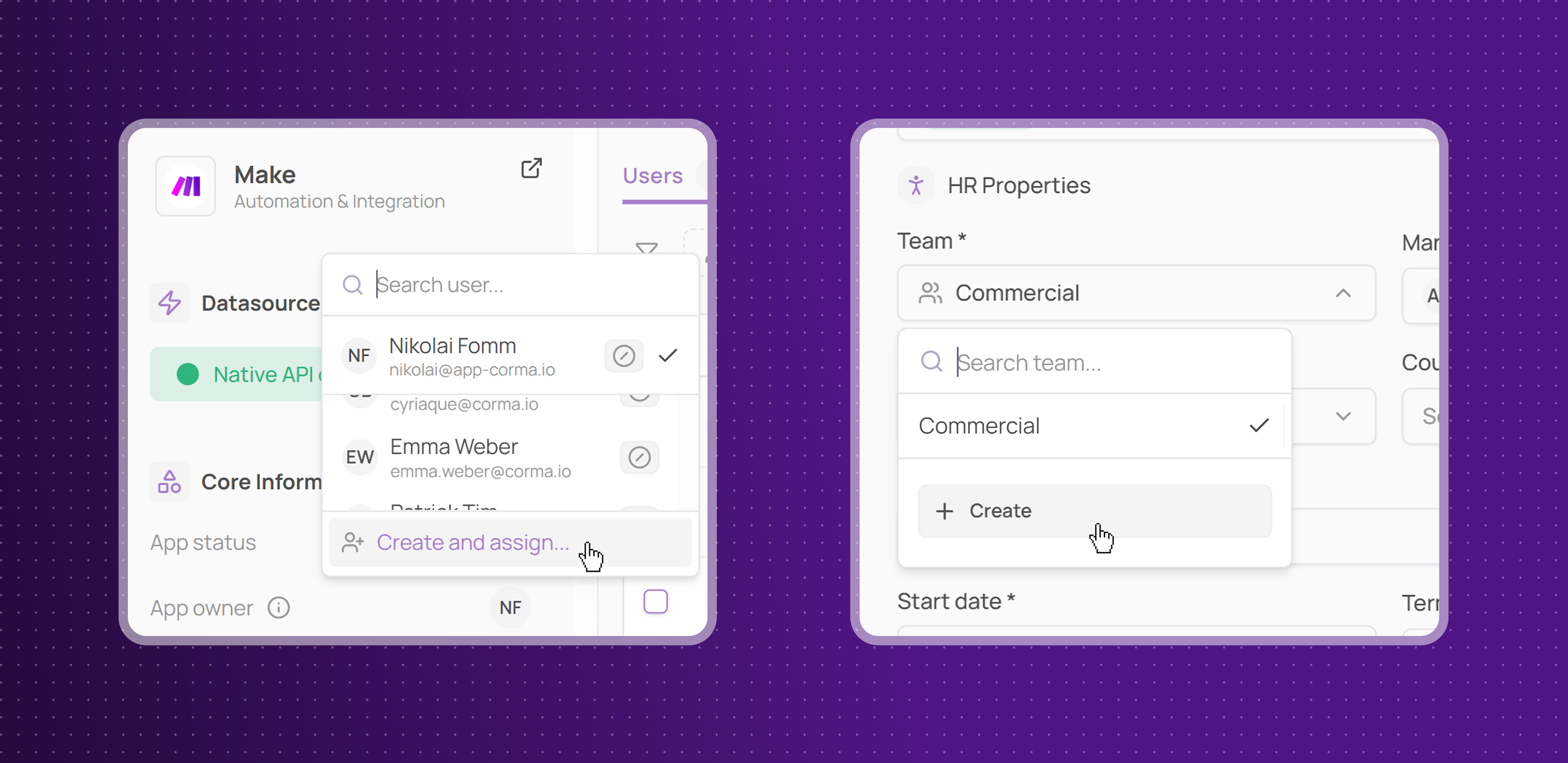
Corma now supports on-the-fly creation of both users and teams directly from where you need them, eliminating unnecessary context switches during key workflows.
Create users on the spot: when assigning an app owner, matching a license, or any other assignment dropdown, admins can now create a new user directly inline without leaving the current workflow
Create teams on the spot: when adding, onboarding, or offboarding a user, admins can create a new team directly from the Team dropdown without navigating to Settings first
Teams managing frequent onboarding and access assignment will spend less time jumping between pages, keeping their focus on the task at hand.
Silent login for browser extension
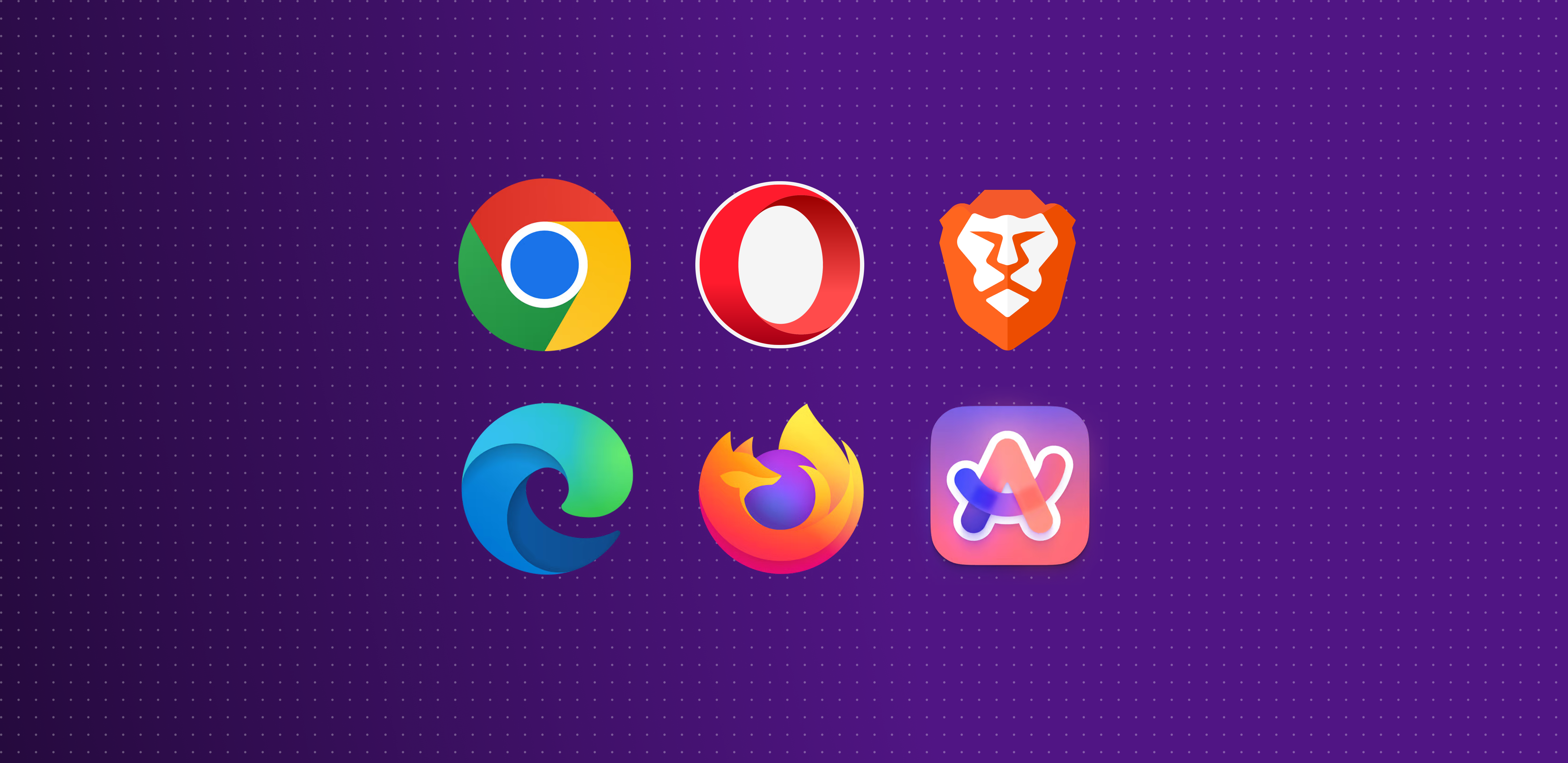
Corma's browser extension now supports silent authentication across all major browsers, so users are automatically logged in without any manual sign-in step.
Edge: silent login now supported for Microsoft Edge users
Firefox: silent login now supported for Firefox users
Chromium-based browsers: silent login now supported across all Chromium-based browsers including Chrome, Brave, and Arc
Users across your organization will experience a smoother, frictionless extension setup. No more manual login prompts every time the extension is installed or the session expires.
Improvements:
Admins can now configure Clicker Agent integrations using Okta or JumpCloud SSO credentials, expanding compatibility for organizations using these identity providers
All integration cards in the app are now fully scrollable, fixing a display issue where content was previously cropped.
Fixes:
Spendesk integration skipping newly added companies has been fixed
Onboarding and offboarding status badges now display all statuses correctly
Critical bug removing all Slack group members when modifying a single user has been fixed
Qonto sync error has been resolved
Microsoft & Google licenses appearing unmatched after first sync have been fixed
Conflict with React DevTools Chrome extension has been resolved
Claude AI integration add/remove user scripts now work correctly
Missing Slack license not appearing in Corma has been fixed
Revoking unassigned licenses now correctly reflects the real outcome
FXBO automated offboarding failure due to interface change is being investigated
Re-adding an offboarded Slack user now correctly reactivates their existing account