
Corma changelog
'Decomissioned' app status, HR manual sync & New Integration
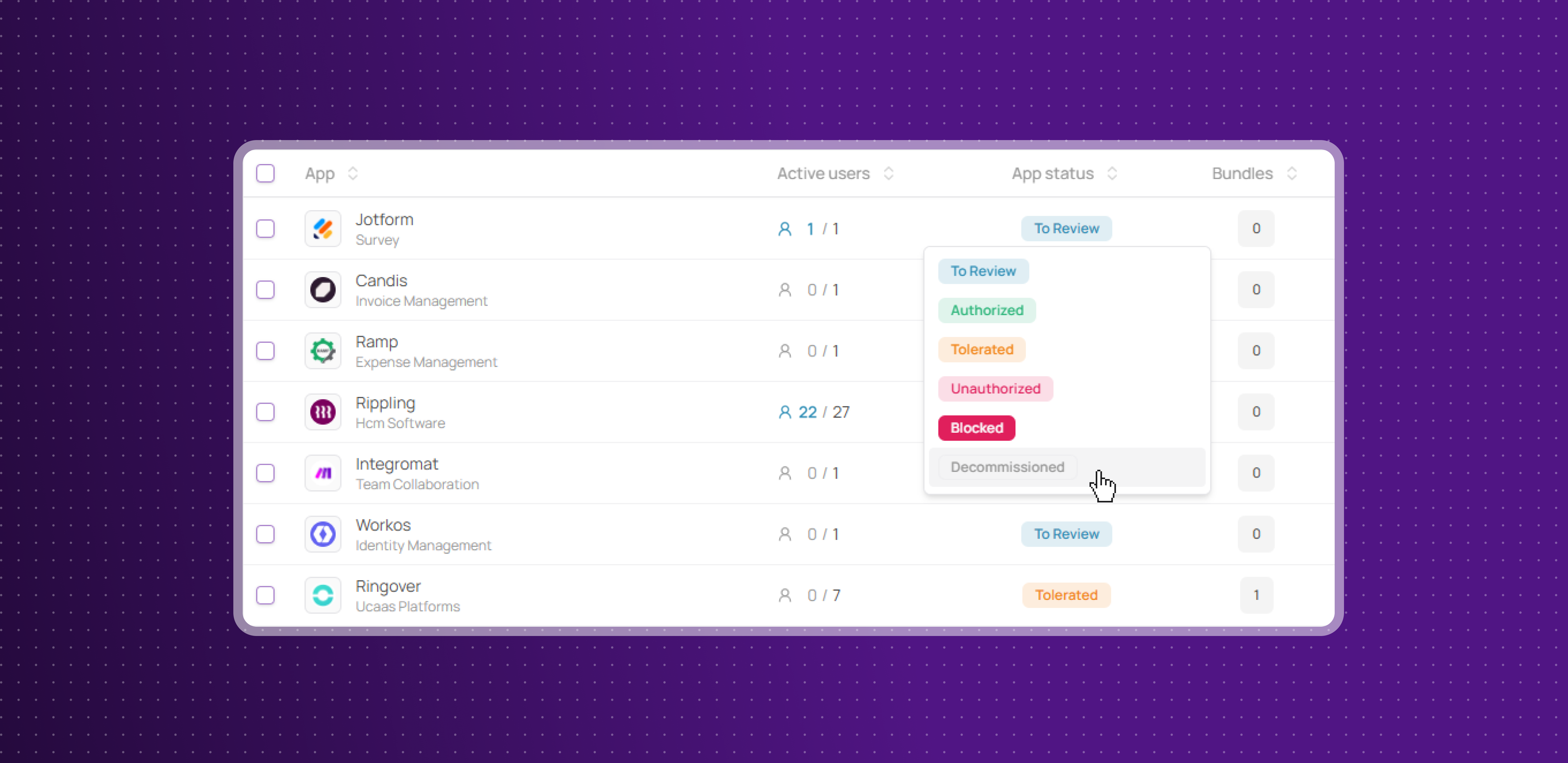
New ‘Decomissioned’ app status
Corma now includes a new Decommissioned app status, designed for apps that were previously authorized but are no longer actively used by the organization.
Clean up your app directory: mark legacy or abandoned apps as Decommissioned to distinguish them from active, blocked, or unauthorized ones, without removing their history from Corma
Teams with a growing SaaS stack will find it easier to keep their app directory accurate, with a clear status for tools that have naturally fallen out of use.
On demand HR sync
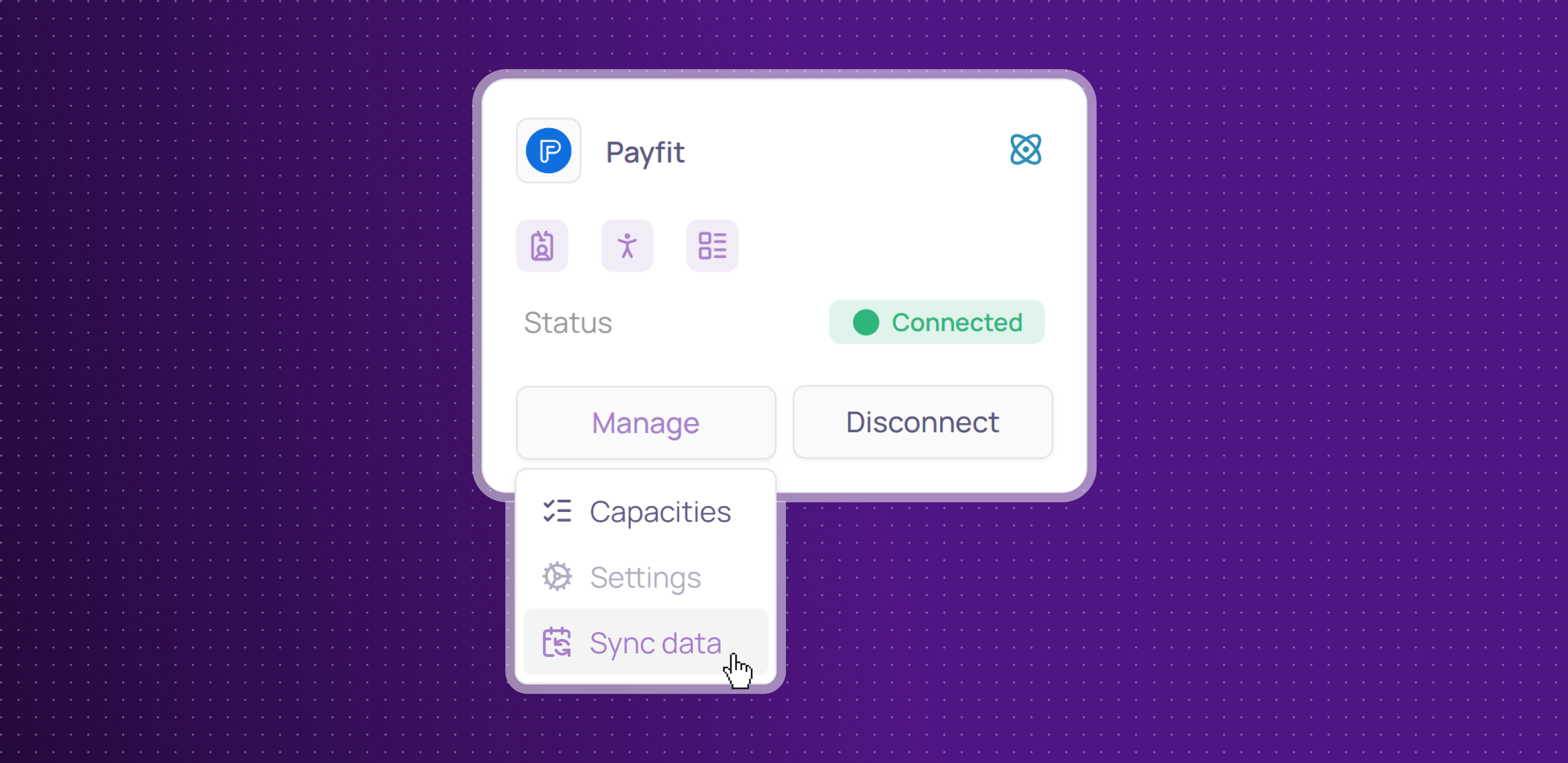
Admins can now trigger a manual data sync at any time, without waiting for the next scheduled refresh.
On-demand sync: a new button lets paid admins instantly re-sync any integration directly from Corma, ensuring their data is always up to date when they need it
No more waiting overnight for data to refresh before making access decisions.
OneLogin Integration
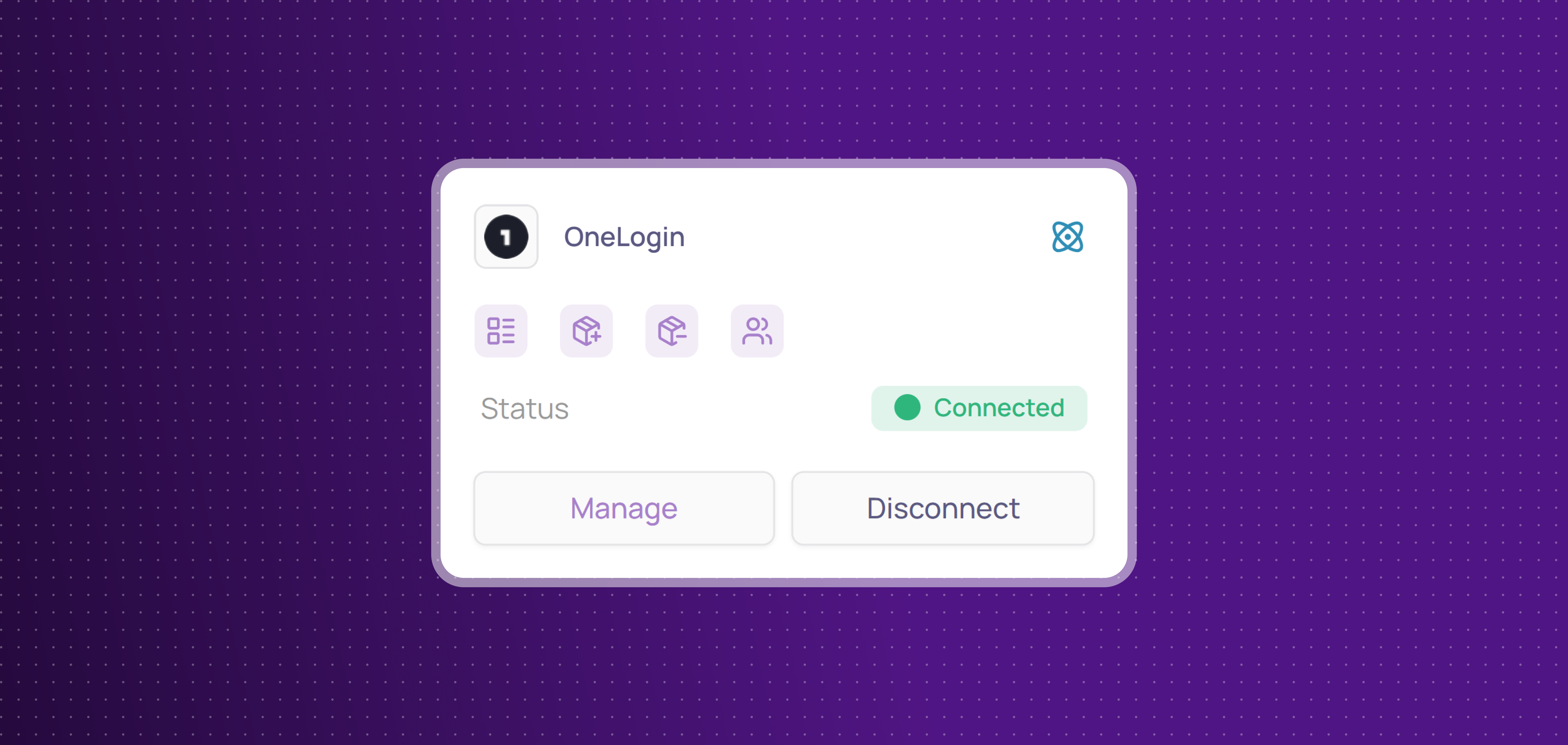
Corma now integrates with OneLogin!
OneLogin is an identity and access management platform that centralizes user authentication and single sign-on across your SaaS stack. You can now:
Collect licenses: centralize OneLogin users and licenses in Corma
Provisioning & deprovisioning: automatically create, suspend, and delete OneLogin user accounts directly from Corma to effortlessly manage access and licenses
Add to groups: automatically add users to groups in OneLogin when provisioning them from Corma
Fixes
Active licenses being incorrectly marked as inactive after inactivity threshold updates have been fixed
Group addition failures for already-provisioned users have been resolved
App visibility settings closing unexpectedly when selecting teams has been fixed
Contract import crashes caused by partial license type name matches have been resolved
Newly added currencies not appearing in invoice creation have been fixed
Unwanted arrow icons appearing next to groups in the page header on Windows have been removed
Public API documentation issues including missing fields and confusing labels have been resolved