
Corma changelog
IdP user groups, New Invoices Page & more
IdP User Groups
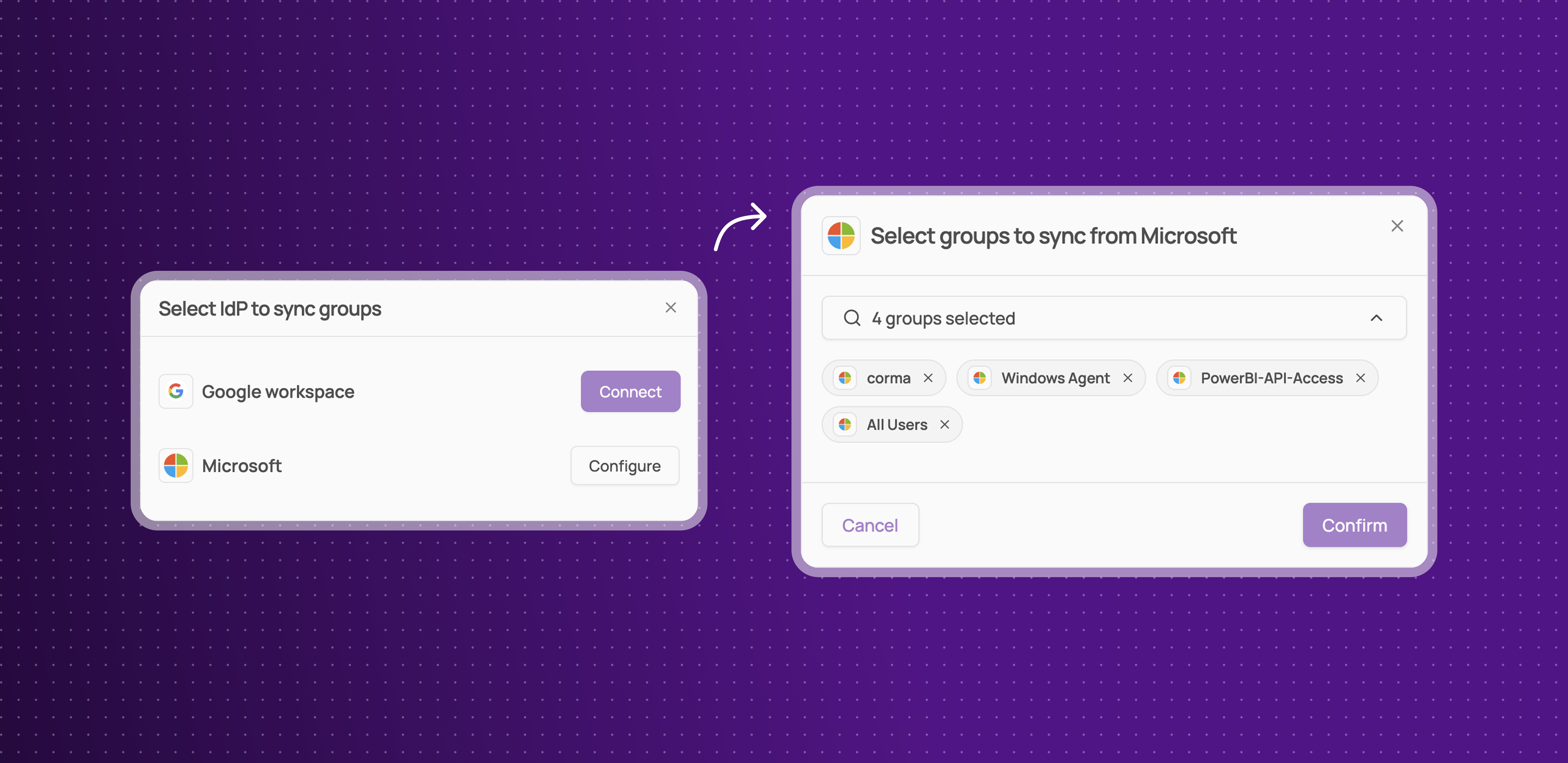
Corma now supports direct synchronization with your Identity Provider (Google and Microsoft - Okta coming soon), allowing you to create and manage user groups that mirror your existing IdP groups, ensuring consistency and eliminating redundancy between platforms.
Sync user groups directly from your IdP to Corma, maintaining coherence and reducing manual group management
Use IdP-synced groups to trigger onboarding workflows in Corma, streamlining user provisioning and access control
Combine the flexibility of dynamic and manual group creation with the reliability of IdP synchronization for a unified experience
This integration simplifies group management, enhances accuracy, and ensures your user groups in Corma always reflect your IdP structure.
New Invoices Page
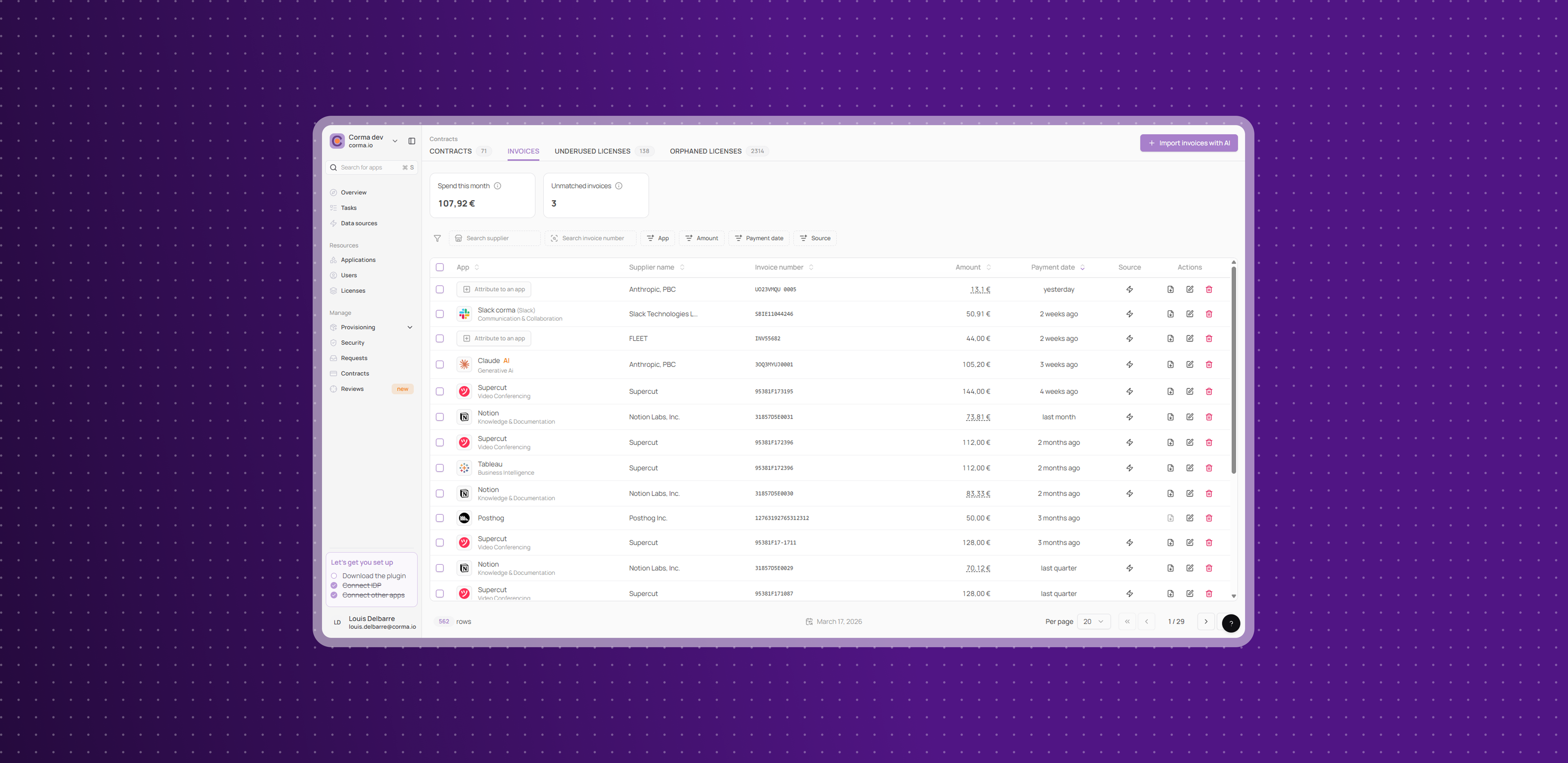
Corma introduces a dedicated Invoice Page within the Contracts module, centralizing all paid invoices and expenses for comprehensive financial tracking and streamlined reconciliation.
Access a unified tab listing every detected invoice and expense, with filters and clickable metrics for “spend this month” and “unmatched invoices”
Assign unmatched invoices to your SaaS directory using the “Attribute to an app” modal in the “app” column
Import invoices directly with the “Import invoices with AI” feature, enabling bulk uploads and automatic matching to your apps
View license statuses and auto-matched invoices directly on each app’s new invoice tab, ensuring real-time alignment between spending and contracts
This new page simplifies invoice management, accelerates reconciliation, and provides full visibility into your SaaS expenses.
New User Types
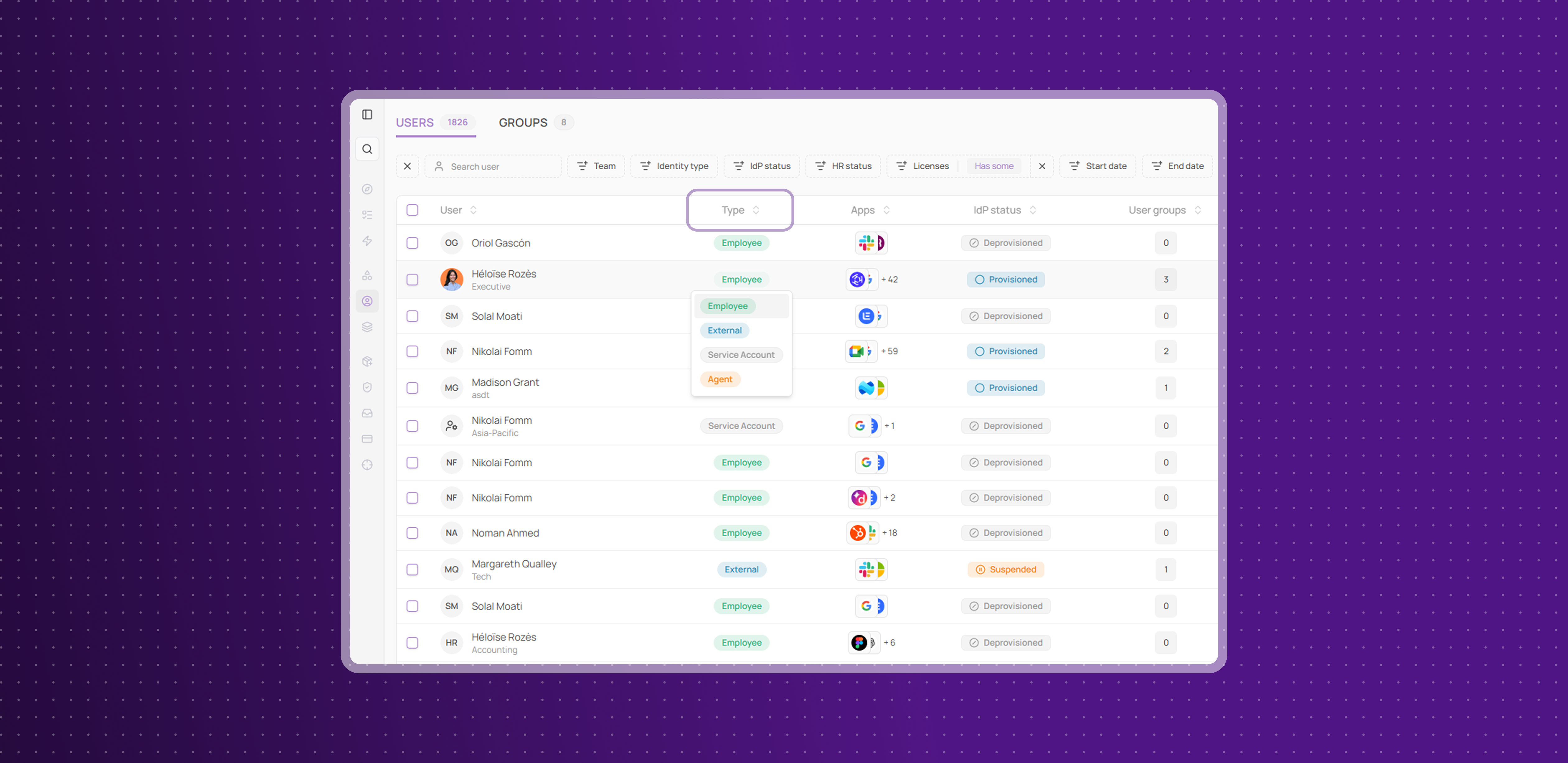
Corma now introduces User Types in the User Pages main table, allowing you to quickly identify and categorize users based on their role and purpose within your organization.
Assign one of four distinct types to each user:
Employee: regular staff
External: consultants, freelancers, or contractors
Agent: automated accounts for Corma tasks
Service Account: software/services interacting with your systems
Filter users by type for faster assessment, and manually adjust types as needed to reflect changes in roles or access requirements
This feature gives you immediate clarity on user purposes, making it easier to spot unnecessary accounts, modify permissions, or revoke access when needed.
Improvements
Contracts Page & OCR Enhancements: The Contracts page now features improved bar charts with license status details, a cleaner table display, and smarter OCR reconciliation to prevent duplicates and ensure data consistency.
Backup for Clicker Tasks: A manual backup task is now automatically created if a Clicker automation fails, with notifications sent to both the access owner and app owner.
Provisioning Tab Sidebar: The Provisioning tab has been reworked for better navigation, featuring a dynamic sidebar with direct access to "Bundles," "Onboarding," and "Offboarding" subtabs.
New Startup Plan: Startups with fewer than 50 users can now enjoy up to 80% off on all Corma plans. Apply today and get started quickly.
Fixes
Google archived license types now sync properly
Company license sync issues when adding new apps to the directory have been resolved
Inconsistencies in provision type mapping between the tasks table and provision drawers have been fixed
Error when deleting duplicate users during provisioning has been addressed
Token table export errors have been fixed
License export issues from the All Licenses page have been resolved