
Corma changelog
Block risky Apps, AI Chatbots detection, Enriched 'AI' tag & 2 Integrations
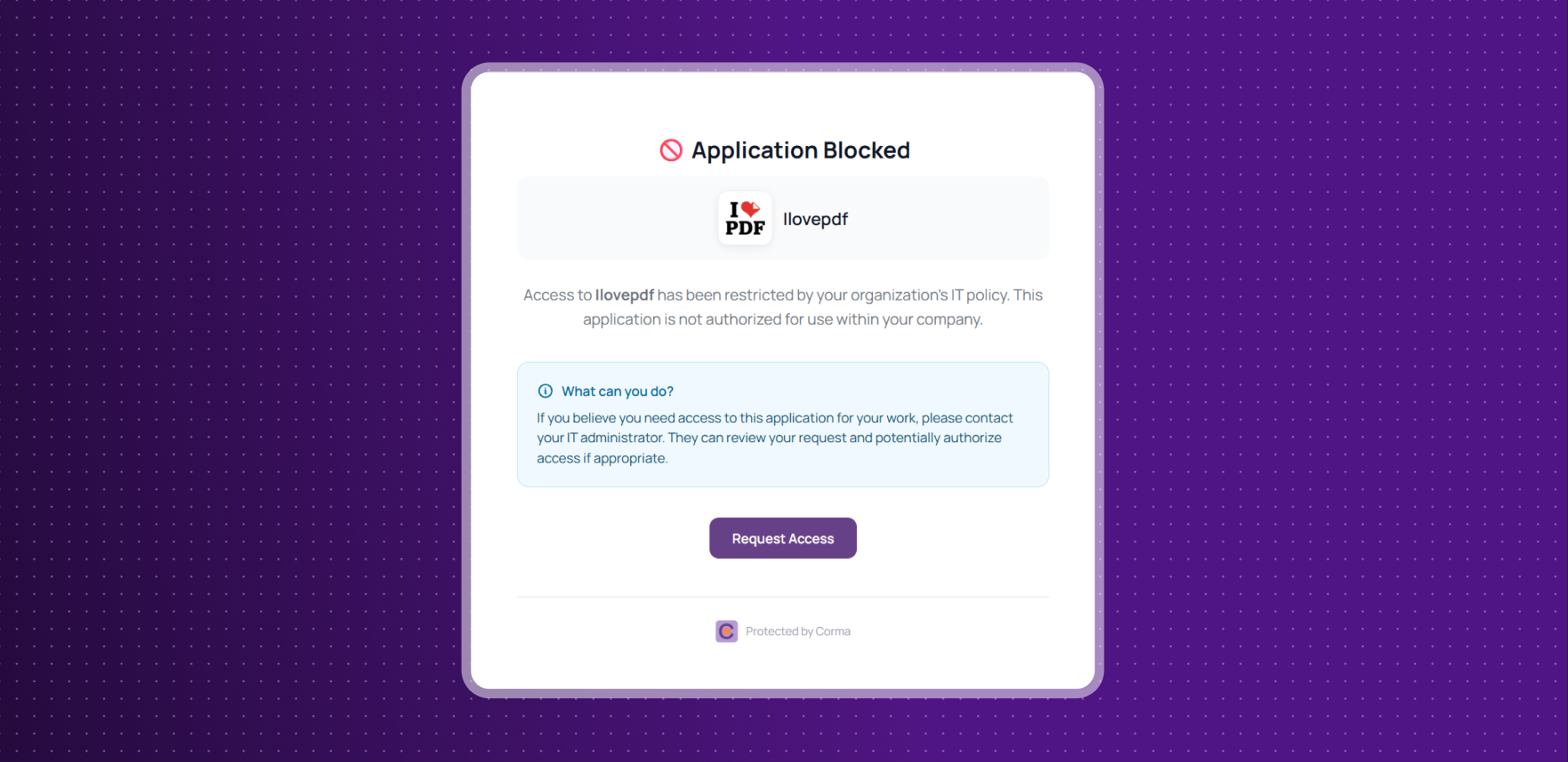
New App Blocking Feature for Admins
Risky app usage is no longer an open door. Admins can now completely block access to specific apps or URLs through the Corma browser extension.
Set apps to "Blocked" status to enforce restrictions at the browser level
Prevent users from accessing non-compliant or off-limit tools, no exceptions
Take full control of your digital workspace and eliminate policy violations in one click.
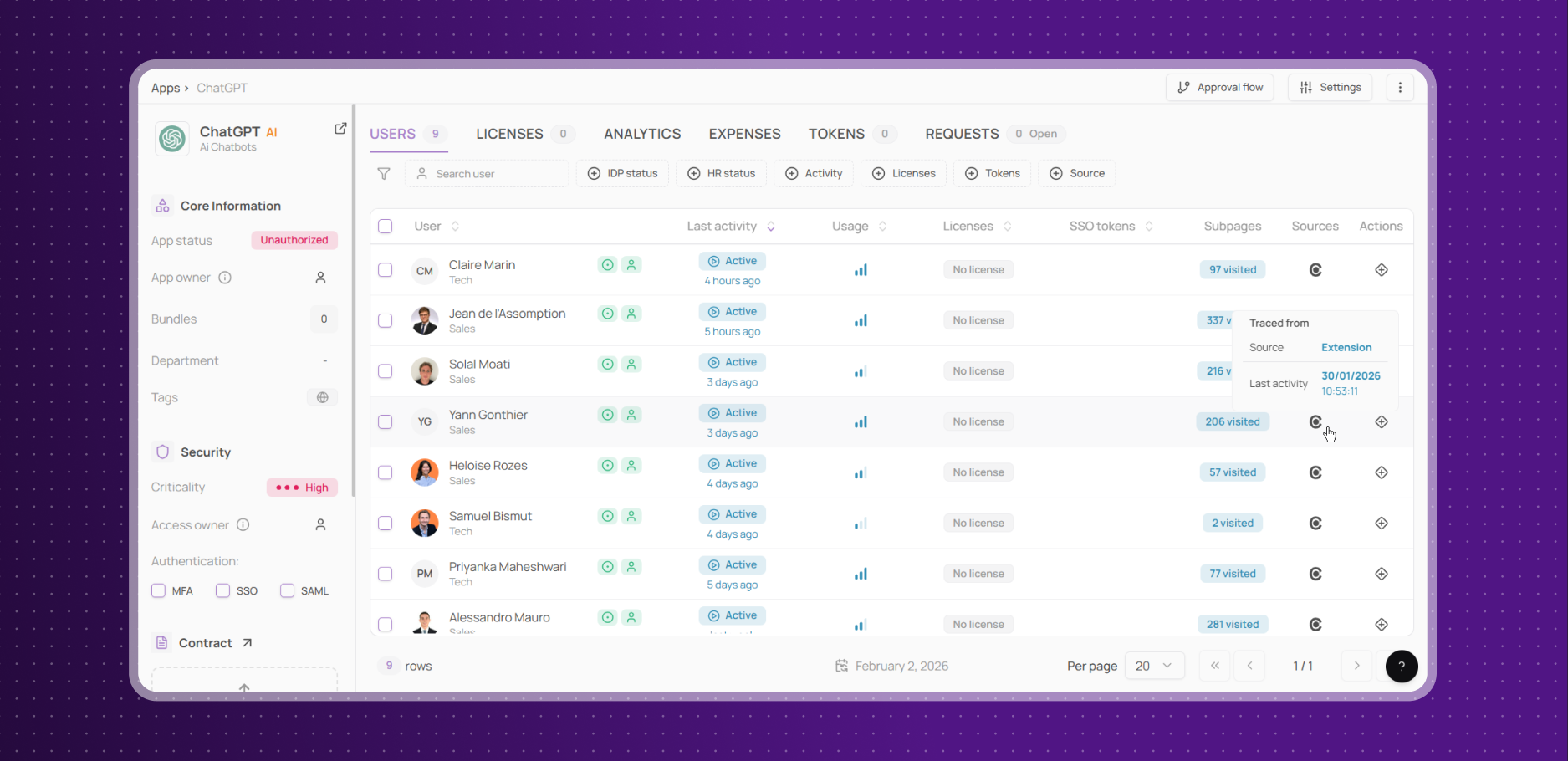
Automatic AI Chatbot Usage Detection
No more blind spots in AI usage: Corma now automatically logs every visit to freemium AI chatbots like ChatGPT or Bard, even when used without an account.
Tracks activity on listed URLs (e.g., openai.com, chatgpt.com) regardless of user input
Records all visits, from quick tests to full conversations
Get complete visibility into how your team uses AI tools, every interaction is accounted for.
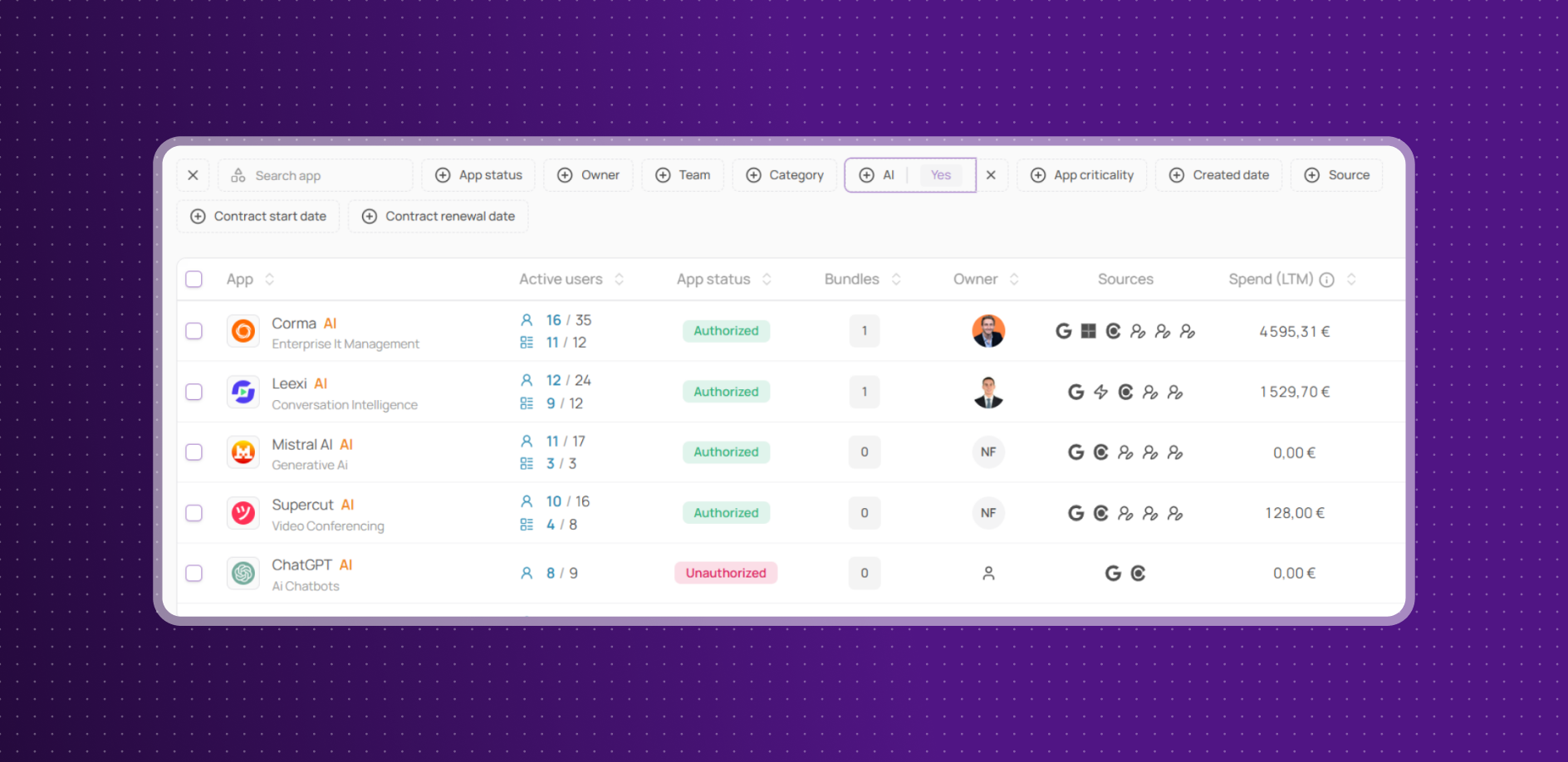
Enriched “AI” tag and filters
Identifying AI-powered apps just got easier. Corma now automatically tags apps using LLMs with a dedicated "AI" label, while our refined categories reduce misclassifications.
Spot AI tools instantly with the new "AI" tag
Browse with confidence thanks to more accurate app categories
No more guessing: find, filter, and manage AI apps in seconds.
New Odoo and Ringover Integrations
Corma now integrates with Odoo and Ringover!
ODOO: all-in-one suite of business apps including CRM, ERP, inventory, accounting, and project management.
Collect Licenses: Centralise Odoo users and licenses in Corma
Provisioning & deprovisioning: Automatically assign and revoke Odoo access directly from Corma to effortlessly manage your licenses use
RINGOVER: cloud-based business phone system that combines calls, SMS, and team collaboration tools for seamless communication.
Collect Licenses: Track Ringover users and licences in Corma
Provisioning & Deprovisioning: Automatically assign and revoke Ringover access directly from Corma to effortlessly manage your licenses use
Improvements:
Improved display on the “Contracts” page when no contracts are yet entered
Responsiveness on both the App an Tasks pages has been improved
Fixes:
Corma extension pop-up now stops injecting itself despite authorized access
Filter displaying users with 0 licences has been fixed
Completed offboardings don’t appear in the “Ongoing” tab anymore
Date and time inconsistencies due to different time zone users are now fixed
Monday “param issue” for admins has been fixed